Canvas Shoe Designer Software

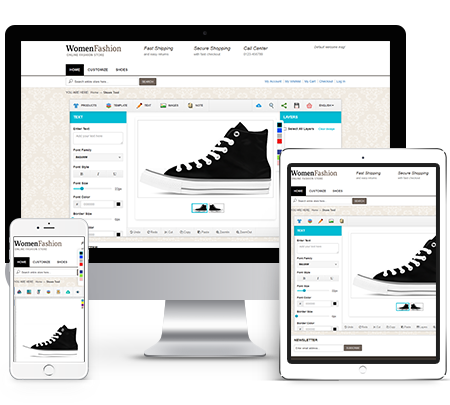
Men shirt design software shown on laptop, tablet and smartphone
Overview

iDesigniBuy’s canvas shoe design software is at the top as an easiest to use solution offering you an advanced shoe designer tool where your customers can use their imagination to craft their own signature style to their liking.

The foundation of the iDesigniBuy designer tool is centered on its advanced 3D view technology so that during the designing your product you can get a visual of the design. iDesigniBuy is developed using the most modern of technologies making it faster and responsive to a variety of devices. Customers can virtually view all angles of product while designing their unique style.

iDesigniBuy offers personalized canvas shoe designing, providing your customer choices from multiple styles and many varieties of fabric, materials, and colors. You can allow them to upload their logo or write initials.

iDesigniBuy’s canvas shoes designer tool can be easily integrated with your website regardless of the type of Ecommerce platform you are using

This shoes designer tool can be easily integrated with your website irrespective of the CMS/E-commerce platform used.

Solution Highlights

Our intellectual tools with complete customization features have enticed many customers towards us and it is a certain thing that it would attract even more clients towards us.

  • Fully customized Canvas Shoe designer tool solution
  • Complete E-commerce store front
  • Designer tools uses modern web development tools for use on all devices and platforms.
  • Pre-built fonts, images, clipart and colors.
  • Available with a lifetime license.
  • Detailed user manual and training videos.
  • 30 Days warranty with free support. Optional annual support plans available.
Features of

Canvas Shoe Designer Tool

Enhance your shoe offering styles and styles.Enable your customers to make the most of plentiful features that our Shoe designer tool comes with. Our fully responsive Shoe design tool makes it easy for your customers to create stylish ad-hoc designs on Shoes with just a few clicks.
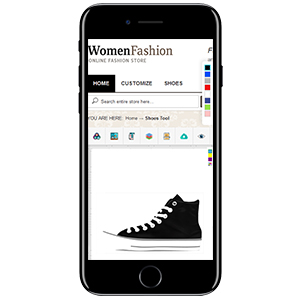
Mobile Responsive layout

1. Mobile Responsive layout

  • Work on all standard Screen size.
  • Consistent user experience across all devices.
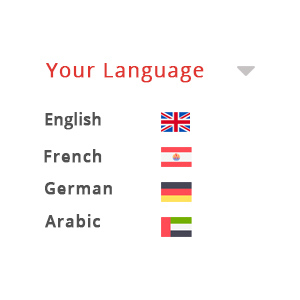
Localize in any Language

2. Localize in any Language

  • Localize in any language & Currencies.
  • Support multi-store, multi-language.
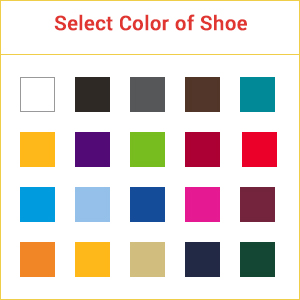
Color of Shoe

3. Color of Shoe

  • Select Color to apply on shoe.
Preview of Shoe

4. Preview of Shoe

  • Our advanced online shoe design Software allows user to get a preview of their designed shoes.
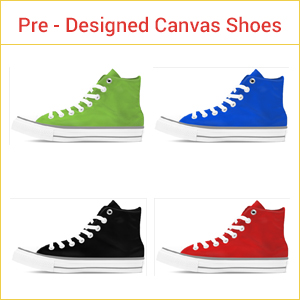
Pre-Designed Shoes

5. Pre-Designed Shoes

  • User can browse an extensive collection of pre-designed shoes.
  • User can customize pre-designed shoe as per their needs.
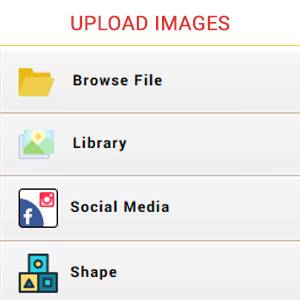
Upload Image

6. Upload Image

  • Apart from selecting images from gallery, it facilitates to upload images directly either from the computer of most regularly used formats like PDF, .PNG, .JPEG and .SVG etc. or from social media.
  • Further, users can make customization to the uploaded image.
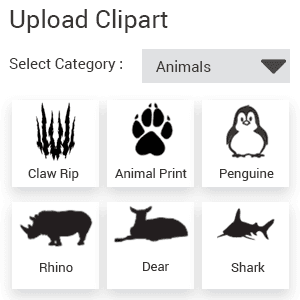
Upload Clipart

7. Upload Clipart

  • This feature lets users to add images to their design of own choice.
  • Further, it sustains inclusion of multiple images along with customization aspects like rotating, flip, color, opacity.
Upload Shape

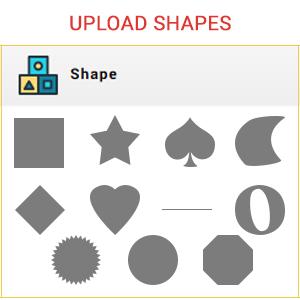
8. Upload Shape

  • Extensive selection of various shapes.
  • Upload shape & design it by applying color, rotation, flip, opacity.
Text Features

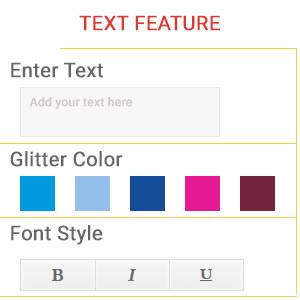
9. Text Features

  • With this amazing Add Text feature, users can enrich the design with incorporating their personalized text.
  • Further, it allows customization in terms of formatting includes bold, italics, changing font style, size, color, alignment, rotating, maintain transparency.
Upload template

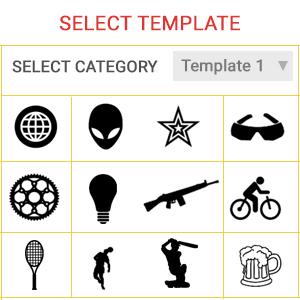
10. Upload template

  • Extensive selection of various template.
  • Upload template & design it by applying color, rotation, flip, opacity.
Comment

11. Comment

  • If you have any special requests for shoe then enter here your request.
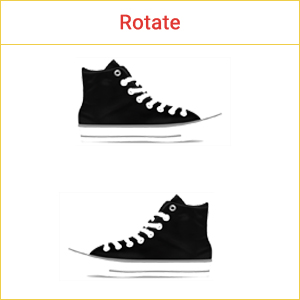
Rotate

12. Rotate

  • Rotate the shoe to view it properly.
  • User can view the shoe in 2 angular views
  • Right View.
  • Left View.
Order

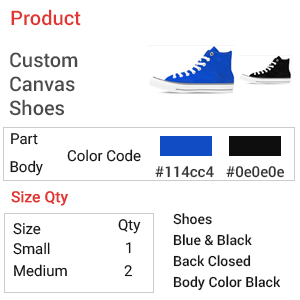
13. Order

  • Selected shoe style, size of Shoe, applies text, image, template, special request, price and quantity.
Undo, Redo Design

14. Undo, Redo Design

  • Undo, Redo your design changes.
Download

15. Download

  • Download the design on your computer.
Zoom-in/Zoom Out

16. Zoom-in/Zoom Out

  • Zoom-in/Zoom-out design to view the Canvas Shoe properly.
Print Design

17. Print Design

  • Print your created design of Canvas Shoe.
Share Design

18. Share Design

  • Share design on social media.
Save Design

19. Save Design

  • Save design to your account for future use.
Add to cart

20. Add to cart

  • Add the designed Canvas Shoe to cart for placing order.
Erase Designs & Start Again

21. Erase Designs & Start Again

  • This software also offers feasibility to the users to erase the designs.
  • For instance, if they do not like the design of shoe so they can erase and change it.
Email Design

22. Email Design

  • Email your created design by entering email-Id.
Cut, copy, paste design

23. Cut, copy, paste design

  • Cut, copy, paste your created design.

Implement Canvas Shoe designer tool with any e-commerce platform of your choice or integrate it in your existing website.

Magento
Shopify
Presta
Virtuemart
PHP
.NET
Bigcommerce
Woocommerce

Solution partner of leading tailoring companies

Guide Document

Guide Document

Training video

Training video

Help desk Call

Help desk (Call)

E-mail

E-mail

Testimonials

FREQUENTLY ASKED QUESTIONS

Customers can personalize canvas shoes using available colors, materials, styles, images, text, and other design elements supported by the configurator. The tool is intended to let shoppers create a canvas shoe that matches their preferred look.
Yes. The canvas shoe designer supports color selection and customization of shoe parts, enabling businesses to offer more detailed personalization than a single all-over color option.
Yes. The tool uses advanced 3D visualization and provides a preview of the customized canvas shoe, helping customers see their design before moving forward with the order.
Yes. The designer includes pre-designed shoe options that customers can browse and customize according to their preferences, giving them a starting point instead of requiring every design to be created from scratch.
Yes. The canvas shoe design tool is designed to be responsive across standard screen sizes, supporting a consistent customization experience on different devices.